

As an association in an increasingly digital world, providing value to members through online-content is essential. However, it can be difficult to determine whether or not that value is truly being delivered without knowing how users are interacting with the content on your website.
By using Google Analytics, associations can measure return on investment, identify which digital strategies are successful, and understand what content is delivering the most value to members and non-members alike. The way that visitors interact with content on your website will either validate or invalidate your idea of what is valuable about your association and the services that you provide.
Let’s take a look at how Google Analytics can help inform your association’s digital strategy:
1. How Are Users Getting to Your Website?
Determining where users are coming from can help inform where your association’s marketing efforts are most successful, as well as areas that can use improvement. For instance, if most visitors land on your website through Facebook, that may be an indicator that your current social media strategy is successful.
However, you may also notice that your site is not getting a lot of traffic through organic search. That could mean that your website’s Search Engine Optimization (SEO) needs improvement. This type of information is extremely valuable and can be used to ensure that marketing budgets are allocated to the best-performing channels.
2. Which Pages of Your Website Are Receiving the Most Traffic?
Using Google Analytics, you can easily view which pages of your website attract the highest number of users. If you notice that some pages are receiving significantly more traffic than others, it may prove useful to incorporate certain design and content elements from successful pages more frequently throughout the site.
High traffic on a particular page may also have to do with how users are getting to that page. Perhaps one news post on your site was viewed significantly more than others, and the source (AKA medium) for that traffic was email. It may be that a link to that particular post was included in an email to members at the time it was posted. This knowledge may help inform a decision to focus more attention on email marketing campaigns.
3. How Long Are Visitors Staying on Your Website?
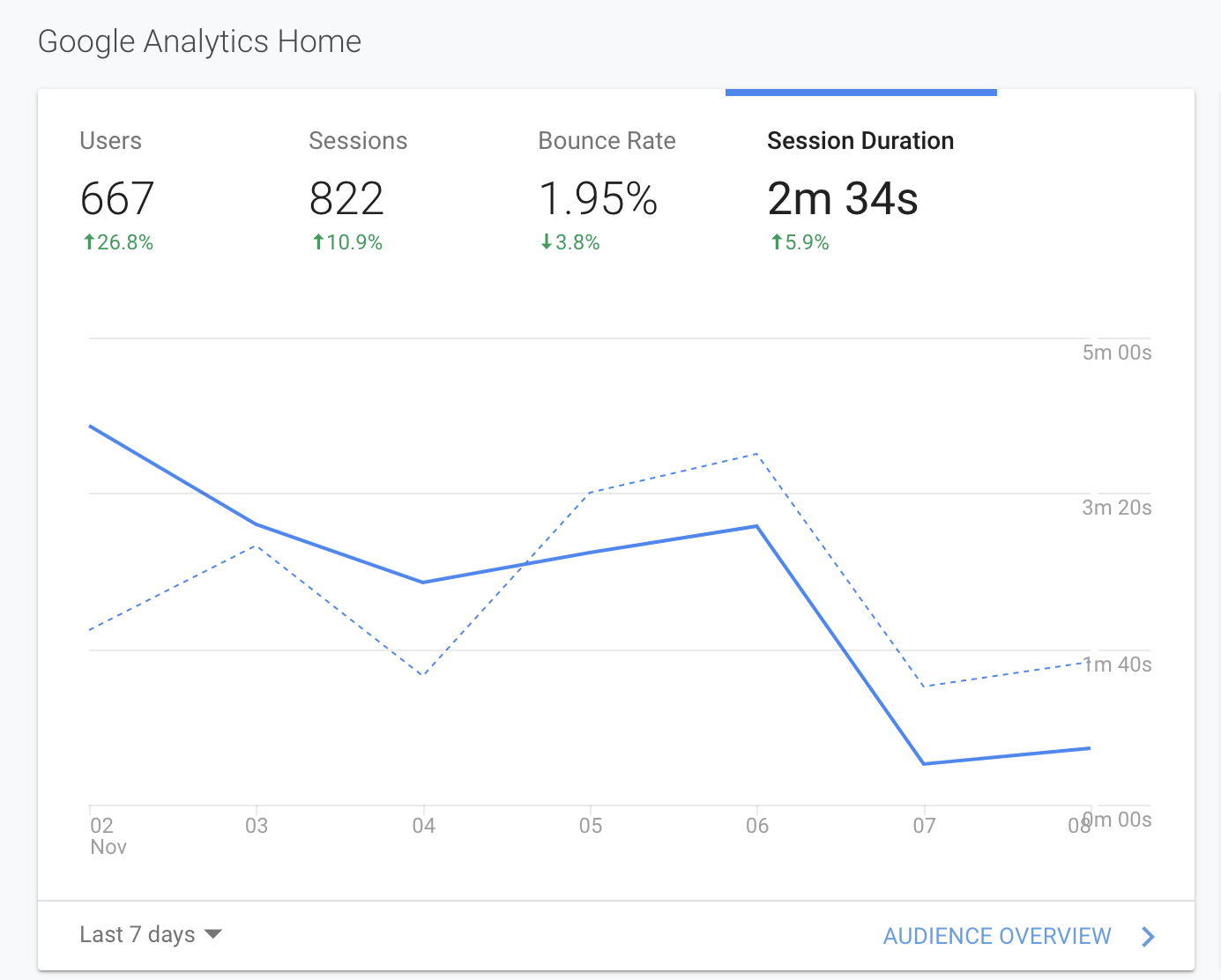
The length of time users stay on individual pages – or on your website in general – is a simple but crucial metric. Google Analytics breaks these visits into what they call “sessions.” As defined by Google Support, “A session is a group of user interactions with your website that take place within a given time frame.”

With Google Analytics, you can keep track of users’ average session duration that comes to your site. According to Databox, most digital marketers report an average session duration of about 2 to 3 minutes. If users spend less than 2 minutes on your site before leaving, it may be a good idea to review which pages have the lowest session duration and experiment with content updates on those pages.