
Mergers & Acquisitions Agent for Salesforce
Version 1 · Released 2026 · Built by fusionSpan
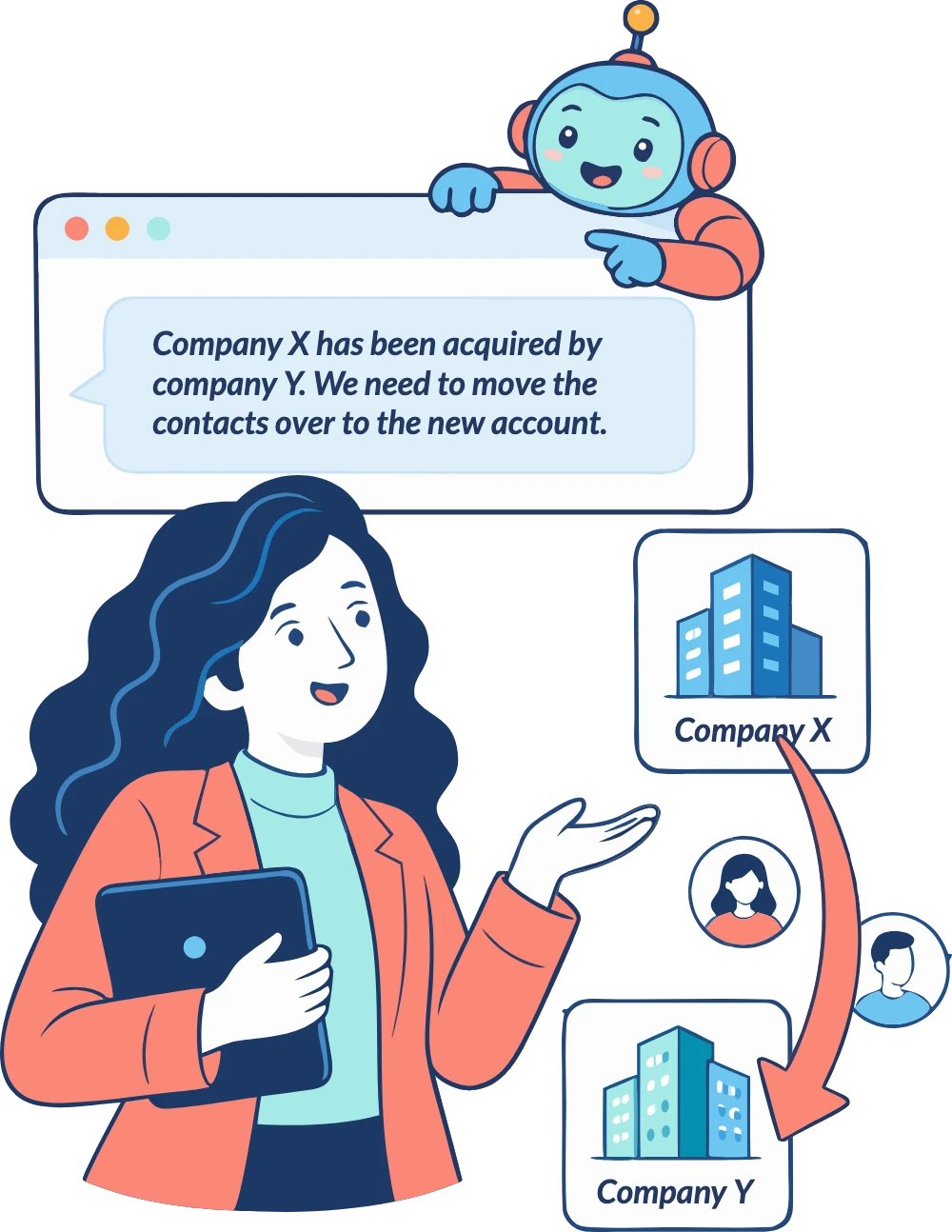
The fusionSpan Mergers and Acquisitions Agent is an Agentforce Employee Agent for Salesforce. It moves Contacts from an Acquired Account to the Acquiring Account and updates their email addresses to the new domain through a guided conversation with confirmation at every step.
When one company absorbs another, someone on your operations team inherits a tedious, risky job: find both Accounts, move every Contact from the acquired Account to the acquirer, and update each Contact’s email address to match the acquirer’s domain and naming convention. This is usually done by copy-and-paste in a spreadsheet. That process is slow at a hundred Contacts and genuinely risky at a thousand – one bad find-and-replace or incomplete sort can mismatch names and email addresses across an entire company’s contact base.
See the Agent in Action
Watch while fusionSpan’s Mergers and Acquisitions Agent for Salesforce identifies, stages, and completes bulk contact reparenting and email domain updates.
- Reviewable
- Auditable
- Nothing Deleted
How the Agent Works
Tell it which two companies are merging, and it guides you through the rest.
Identify Both Accounts
Identifies both Accounts by name and asks you to choose when it surfaces potential duplicates.
Stage a Reviewable Request
Stages the move as a reviewable request. Nothing changes until you say so.
Preview Every Contact
Previews every Contact that will be re-parented, in a table, before anything is committed.
Align Email Addresses
Proposes and applies email address changes, one at a time or in bulk across a naming pattern, so the acquired company’s Contacts match the acquirer’s domain and convention.
Run as a Batch Job
Runs re-parenting as an asynchronous batch job, so it scales to handle large Contact volumes without timing out or locking up the org.
Keep You Informed
Keeps you informed, polling the job until it finishes and telling you when it’s done.

The agent asks for explicit confirmation before any data is changed. Nothing is deleted — the acquired company’s Account and its history stay intact — so the whole operation is reviewable, auditable, and reversible in intent even though the underlying execution is fast and hands-off.
Requirements
What you need in place before installing the Mergers and Acquisitions Agent.

Agentforce must be provisioned in your Salesforce org.
The Mergers and Acquisitions Agent is delivered as an Agentforce agent, not a Flow, Visualforce page, or standalone app. It runs on top of your org’s existing Agentforce setup.

Employee Agent experience (AgentforceEmployeeAgent).
This Employee Agent is built for internal operations staff. It runs under the identity of the logged in user, so no dedicated agent user is required. Each user needs the package’s permission set, which grants access to Accounts, Contacts, and the package’s own Mergers and Acquisitions Request records.
A dedicated Agentforce agent user is only needed if you later expose this agent outside of Agentforce for Employees — for example, as a Community/Experience Cloud Support Agent for external guest users. That scenario isn’t covered by this guide, since the package ships and is supported as an Employee Agent.

Standard Salesforce Account and Contact objects.
Person Accounts are not supported.
How to Install and Set Up the Mergers and Acquisitions Agent
Setting up the agent means installing the package and then generating the agent itself from its Agent Script.
Install the Managed Package
This deploys the Apex actions, the Mergers and Acquisitions Request and Request Line objects, the extensibility metadata, and the supporting permission set.
Assign the Permission Set
Assign the package’s permission set to each operations user who will run acquisitions. Because this is an Employee Agent, no separate agent user is needed.
Create the Agent Script
The package ships an Agent Spec defining the agent’s actions, guardrails, and conversation flow. Generate the deployable Agent Script authoring bundle from that spec and deploy it, as you would any Agentforce agent built with Agent Script.
Publish and Activate
Publish and activate the agent as an Employee Agent, and make it available to the operations staff.
Once activated, a user opens the agent and describes the acquisition in plain language. For example,
 “Merge Acme Corp into Northwind Trading”
& the agent takes it from there, confirming each step along the way.
system:
    instructions: |
        You are an AI Agent whose job is to help fusionSpan
        staff execute and manage mergers and acquisitions...

config:
    developer_name: "Merge_and_Acquisitions_Agent"
    agent_label: "Merge & Acquisitions Agent"
    agent_type: "AgentforceEmployeeAgent"

start_agent merge_and_acquisitions:
    label: "Merge & Acquisitions"
...Extending the Batch Job with MergeAcquisitionJob
Out of the box, the batch job re-parents Contacts from the acquired Account to the acquiring Account. Most acquisitions need more support, such as moving open Cases, updating custom junction objects, notifying a team, or handling org-specific data.
The MergeAcquisitionJob Apex interface is the extension point that allows the package to meet those needs. Each “job” is a small, self-contained handler for one type of work the batch performs, and the package runs whichever jobs are registered for a request without any change to the core batch logic. An implementation defines three methods:
process()Handles a single line of work, accumulating results in memory rather than writing to the database.
finalizeProcessing()Called once per batch chunk, where the accumulated work for that chunk is actually committed.
finalize()Called once per request after every chunk has finished, for any whole-request follow-up. Ex., creating a summary Task or sending a notification.
New job types are wired in through custom metadata, no code changes to the batch engine itself, and no redeployment of the core package logic. To add a job type, write a class that implements MergeAcquisitionJob and register it against a job type in custom metadata. The batch job picks it up on its next run, with no redeployment of the core package. This is the same mechanism the package uses internally for its own Contact re-parenting job, so a custom job type gets first-class treatment, not a bolted-on workaround.
Adding a New Operation to the Conversation
The MergeAcquisitionJob interface above extends what the batch job does once it’s running. You can separately extend what the agent offers mid-conversation. After staging a request, the agent lists the available operations: merging Contacts, changing or excluding individual Contact emails, applying a bulk email pattern, and starting the job. It will only offer or act on operations it has been told about.
Because the operations menu is driven by what the Agent Script declares and instructs, adding an operation is a script-and-action change — no changes to the core conversation flow or the batch engine are needed.
To add a new operation to that list:
Build (or wire up) the Apex action that performs the operation, exposed as an invocable action.
Add an action block to the Agent Script (the .agent authoring bundle) with its target class, inputs, and outputs.
Update the agent’s instructions so the operations list names the new operation and the agent knows when to offer it. This is plain-language guidance, not code.
Gate it if it needs sequencing. For example, add an “available when” condition on a variable, the same pattern the package uses to hide “Start Merge Job” until Contacts have been staged and to stop it from being offered twice.
Regenerate and redeploy the Agent Script, then republish the agent so the update takes effect.
Version 1 Limitations
Version 1 is intentionally scoped to do the common case very well, not to cover every acquisition scenario out of the box.
If your acquisition needs fall outside these boundaries, please reach out — the package’s extension point and underlying data model are designed to be built on, not just used as-is.

No Person Accounts.
The agent works against standard Business Accounts and Contacts only.
Contacts only.
Child Account hierarchies are not moved or merged.
No “out-of-the-box” custom field mapping.
Carrying over or transforming additional fields requires use of the MergeAcquisitionJob extension point.
No Accounts merging.
The agent moves Contacts and updates emails; it does not delete, merge, or deactivate either Account. The acquired company’s Account and history remain intact.
No UI components.
This is a conversational, agent-action package. There is no Lightning page, Aura component, or Visualforce page. All interaction happens through the Agentforce conversation itself.
Frequently Asked Questions
How do I move contacts from one Account to another in Salesforce after an acquisition or merger?
Tell the Mergers and Acquisitions Agent which two companies are merging. It identifies both Accounts, stages the move as a reviewable request, previews every Contact that will be re-parented, and then runs the re-parenting as an asynchronous batch job after you confirm.
Can I bulk update contact email domains in Salesforce?
Yes. The agent proposes and applies email address changes, one at a time or in bulk across a naming pattern, so the acquired company’s Contacts match the acquirer’s domain and convention.
Does the agent merge or delete Salesforce accounts?
No. The agent moves Contacts and updates emails; it does not delete, merge, or deactivate either Account. The acquired company’s Account and history remain intact.